· Setup guide · Read time 8 min

How to make DOMs_DMs
sound like you.

A plain-English walkthrough for coaches. No code. No jargon. Just step-by-step instructions you can finish in an afternoon — even if the most technical thing you’ve ever done is changed your Instagram bio.

Total setup time

~2 hours

Broken into 8 bite-sized pieces

Tech required

None

If you can copy/paste, you’re good

Help needed

0 developers

Your VA or assistant can run this

· The 3-minute mental model

There are exactly
three moving parts.

Before we get into the 8 sections you’ll fill out, here’s the whole system in three steps. Read this once and the rest will make sense.

STEP 01

Talk.

You talk to DOM AI.

DOM AI is an AI assistant. You open it in your browser, paste one of our prompts, and DOM AI interviews you about your business — one question at a time. You answer like you’re texting a friend. No forms.

· What it looks like

DOM AI asks: "What’s the name of your main offer?" You answer: "The 12-Week Shred."

STEP 02

Paste.

DOM AI builds a paste-ready block.

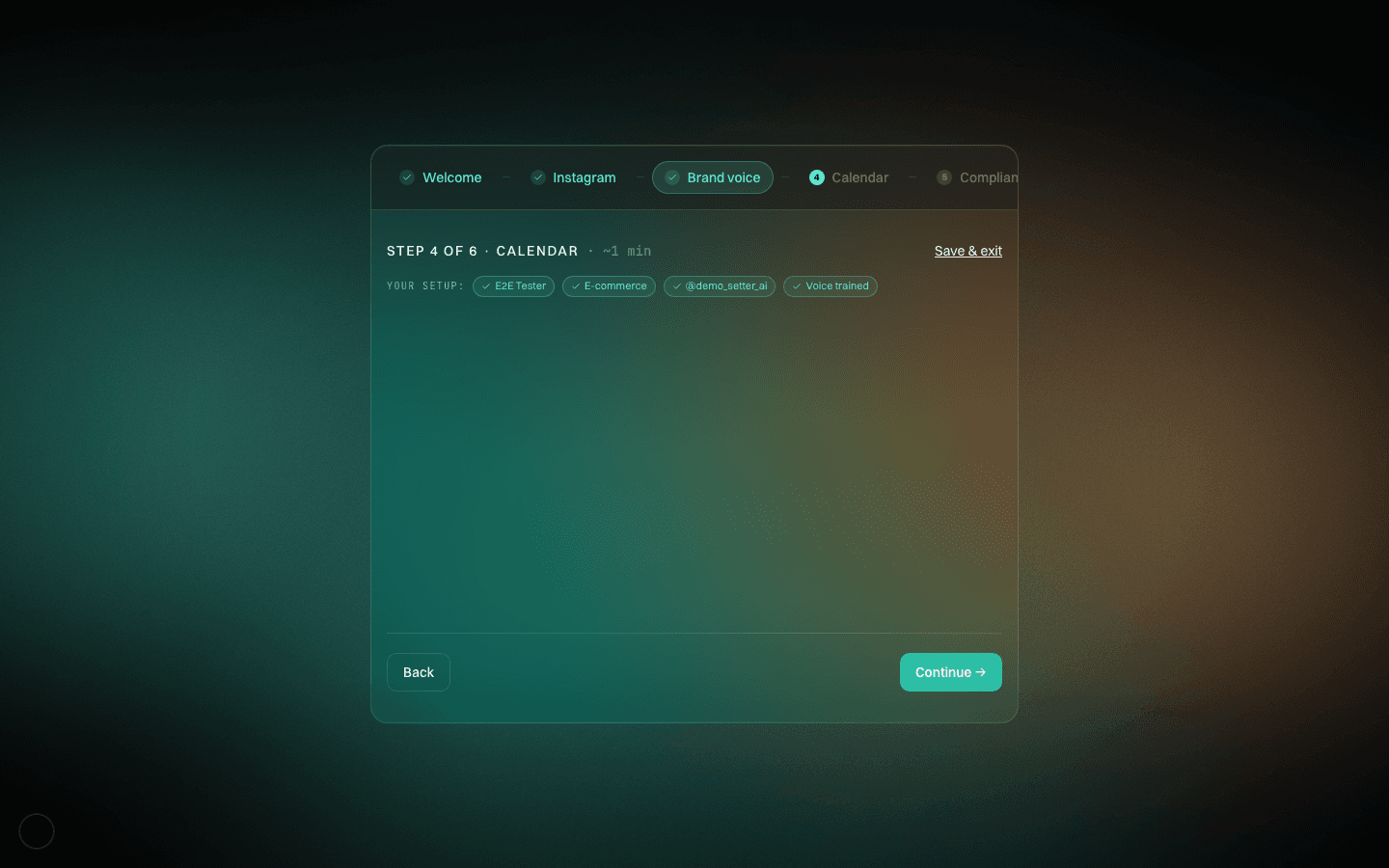
After 8-12 questions per section, DOM AI hands you a clearly-marked block of text. You copy it, open DOMs_DMs, navigate to the matching section, and paste. DOMs_DMs saves it. Done.

· What it looks like

DOM AI outputs: `--- PASTE INTO DOMs_DMs / Voice → Brand Prompt ---` (and the finished prompt below it)

STEP 03

Go.

DOMs_DMs uses your setup forever.

From that moment on, every reply DOMs_DMs drafts uses YOUR voice, YOUR offer, YOUR rules, YOUR memory of each lead. You can edit any section later — this isn’t locked down.

· What it looks like

A lead messages you at 2am. DOMs_DMs replies in your tone, remembers what this lead mentioned last month, and knows not to quote price.

If you’ve ever been burned by “AI tools” that sound like robots, the difference here is the interview. You’re not writing a prompt from scratch — DOM AI pulls the specifics out of you with good questions. The output sounds like you because the input is you.

· Your first 2 hours

Start to finish,
the first time through.

Follow these six steps in order. You won’t need to ask anyone for help.

  1. 01

    Open DOM AI in your browser

    · 2 min

    Go to DOM AI in a new browser tab. If you don’t have an account, sign up with your email (free tier is fine — a paid tier gives slightly better results, but free DOM AI is plenty).

    Start a new chat. Leave this tab open — you’ll come back to it 8 times.

    · Heads up

    Why DOM AI and not ChatGPT? The prompts we wrote are tuned for DOM AI’s interview style. ChatGPT tends to guess instead of probing. Use DOM AI.

  2. 02

    Open DOMs_DMs in another tab

    · 1 min

    In a second browser tab, log into DOMs_DMs and navigate to the Settings screen. You’ll use this tab to paste outputs from DOM AI.

    Tip: put the two tabs side-by-side (split-screen) so you can copy from DOM AI and paste into DOMs_DMs without hunting for windows.

  3. 03

    Start with the Offer & ICP prompt

    · 15 min

    Open our prompt library. Copy the full text of the Offer & ICP prompt (it starts with <<<PROMPT>>> and ends with <<<END PROMPT>>>).

    Paste it into DOM AI and hit send. DOM AI will introduce itself and ask Question 1. Answer it like you’re texting a trusted friend. Specific. Real names. Real numbers. The more detail you give, the better the output.

    · Heads up

    You don’t have to finish this prompt in one sitting. DOM AI saves your chat. If you need to step away, come back later and pick up where you left off.

  4. 04

    When DOM AI shows you the paste block, paste it

    · 1 min per section

    After the interview, DOM AI hands you a block of text that starts with --- PASTE INTO DOMs_DMs / Settings → Offer --- and ends with --- END ---.

    Select everything between those two markers. Copy it. Switch to your DOMs_DMs tab, go to Settings → Offer & Positioning, paste into the large text area, and hit Save.

  5. 05

    Repeat for the other 7 sections

    · ~90 min total

    Each of the remaining 7 sections follows the same pattern. Open our prompt library, find the prompt for the section you want, paste into DOM AI, answer the questions, paste the output into DOMs_DMs.

    We recommend this order: Offer → Brand Voice → Tone Dials → Compliance → Qualification → Booking Flow → Knowledge Base → Lead Memory. Each section gets easier because you’ve already answered related questions.

    Minimum viable: if you only have an hour, do Offer + Brand Voice + Tone Dials + Qualification + Booking. You can add the rest later.

  6. 06

    Test it with one real lead

    · 5 min

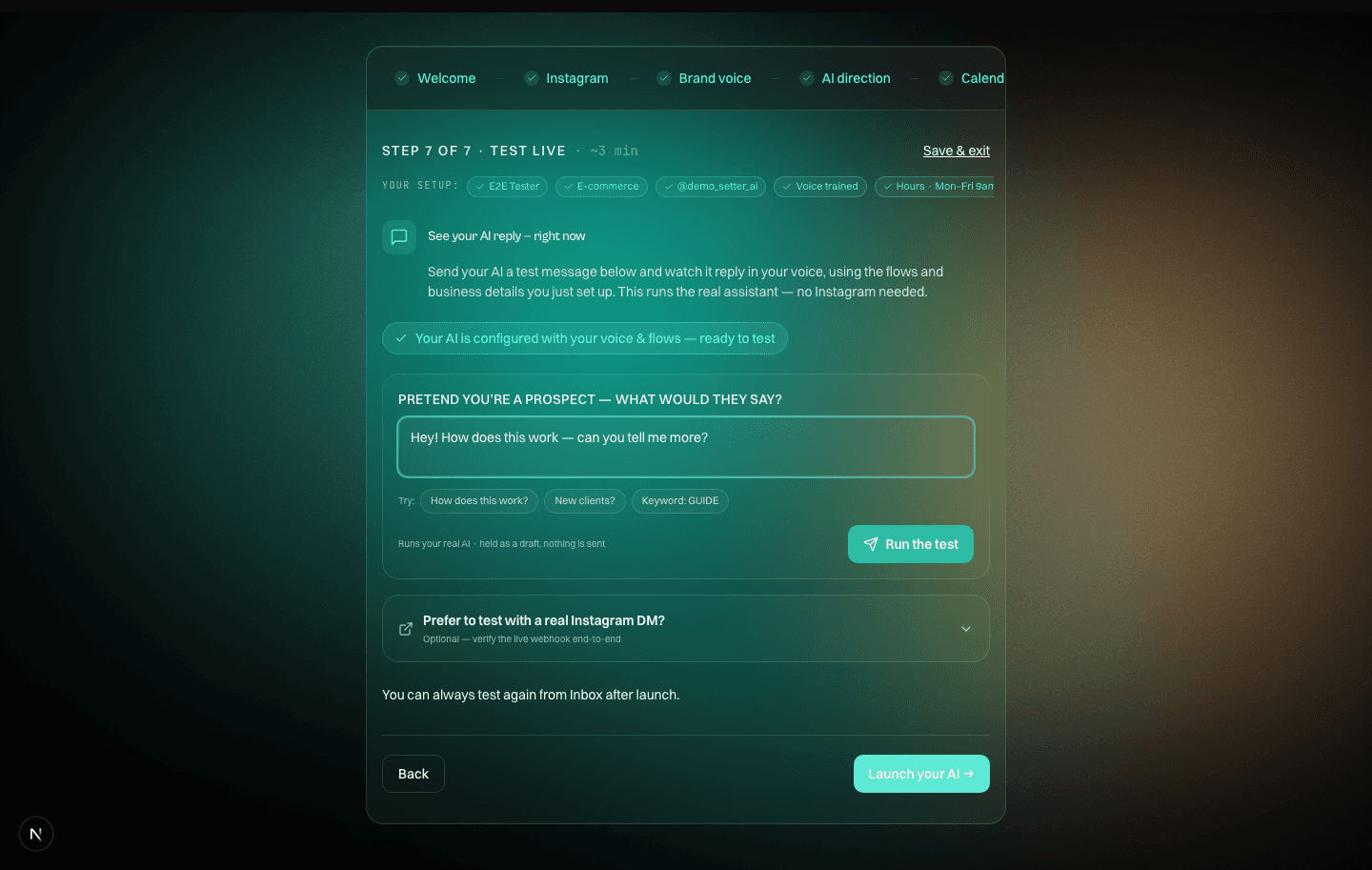
    Before turning DOMs_DMs loose, run one test. In DOMs_DMs, open the DM Lab (beaker icon in the left rail). Paste a real DM conversation you had recently. Hit Simulate. Read the reply DOMs_DMs drafts.

    Does it sound like you? Does it remember what matters? Would you send this? If yes, you’re done. If no, edit the section that’s off — usually Brand Voice or Tone Dials — and re-test. Three rounds is usually enough.

    · Heads up

    This is the single most important step. Don’t skip the DM Lab. Testing with a real conversation catches voice drift faster than reading the prompt back.

· The 8 sections, in plain English

Every section explained,
with examples.

Tap any section below to see what it does, what to prepare, the exact questions DOM AI will ask, and a sample of what the output looks like.

· Priority keyMUST — Don't ship without itSHOULD — Meaningful liftNICE — Add later, compounds
· When you get stuck

Common questions,
straight answers.

Click any question to expand. If yours isn’t here, the answer is almost always “ask DOM AI about it directly” — DOM AI’s good at debugging its own output.

Still stuck? Don’t spiral.

Setup takes about 2 hours the first time. If you’re at 4 hours and frustrated, stop, take a break, and come back. The questions are easier on a second read. You can also hand off any section to your VA — this guide works just as well for them.

· Words you’ll see

A plain-English glossary.
Skim it once, reference later.

Anything that sounds like jargon in this guide is defined here. If you ever hit a term you don’t recognize — in the guide, in DOMs_DMs, or in a DOM AI interview — check this section first.

Prompt

A block of text you give an AI to kick off a conversation. Our interview prompts are ~200 words of instructions that tell DOM AI what to ask and what to produce at the end.

· Example

You paste the prompt, DOM AI reads it, and starts asking you the questions it was programmed to ask.

DOM AI

An AI assistant made by Anthropic. You’ll use it via DOM AI (the website). Free to sign up; free tier works fine for all these interviews.

Paste block

A chunk of text with clear markers that says “copy everything between these lines and paste it somewhere specific.” DOM AI produces one at the end of each interview.

· Example

Looks like: `--- PASTE INTO DOMs_DMs / Voice → Brand Prompt ---` ... then your content ... then `--- END ---`

System prompt

The instruction set DOMs_DMs uses every time it drafts a reply. Your Brand Voice Prompt is the biggest piece of this — it’s loaded into every single message generation.

Tone dials

Eight numeric sliders (0-10 each) that fine-tune how replies feel. Think of them as the EQ on a mixing board — Brand Voice is the song, dials are the mix.

ICP

“Ideal Client Profile.” A specific description of who your offer is for — specific enough that DOMs_DMs can tell a good-fit lead from a bad-fit one just from DM context.

Qualification

The rules DOMs_DMs uses to bucket each lead: READY (push to book a call), FOLLOW-UP (keep nurturing), or DISQUALIFIED (stop messaging).

Nurture

Keeping a conversation going with a lead who isn’t ready to buy yet. Usually means sending value (content, resources, check-ins) until they signal they’re ready.

DM Lab

A simulation mode inside DOMs_DMs. You paste a real conversation, hit simulate, and see what DOMs_DMs would draft as the next reply — without sending it. Use this heavily during setup testing.

Shadow Mode

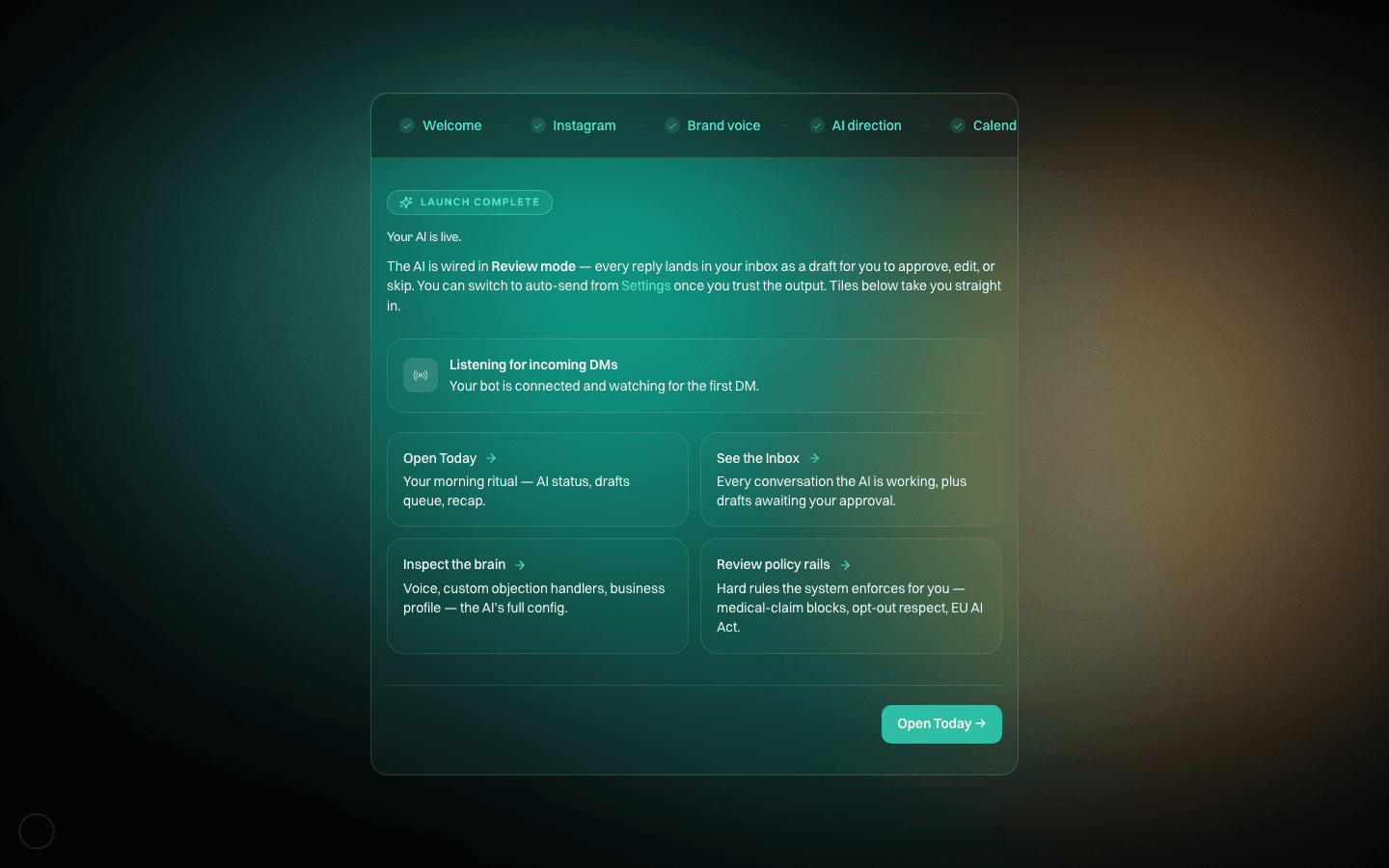
A DOMs_DMs setting where it drafts every reply but waits for your approval before sending. The safe way to roll out after setup — you catch any voice drift before it reaches a prospect.

Auto Mode

DOMs_DMs sends replies without asking. Usually enabled only after Shadow Mode proves the voice and qualification are tight. Most coaches run Auto for qualified leads and Shadow for everyone else.

Knowledge base

Your library of real objection answers, FAQs, client stories, and policies. DOMs_DMs pulls from this when drafting — so replies reference YOUR actual answers, not invented ones.

Memory

What DOMs_DMs remembers about each lead. Automatic for most facts; the “Priority Facts” you configure are the few that always surface even months later.

Meta compliance

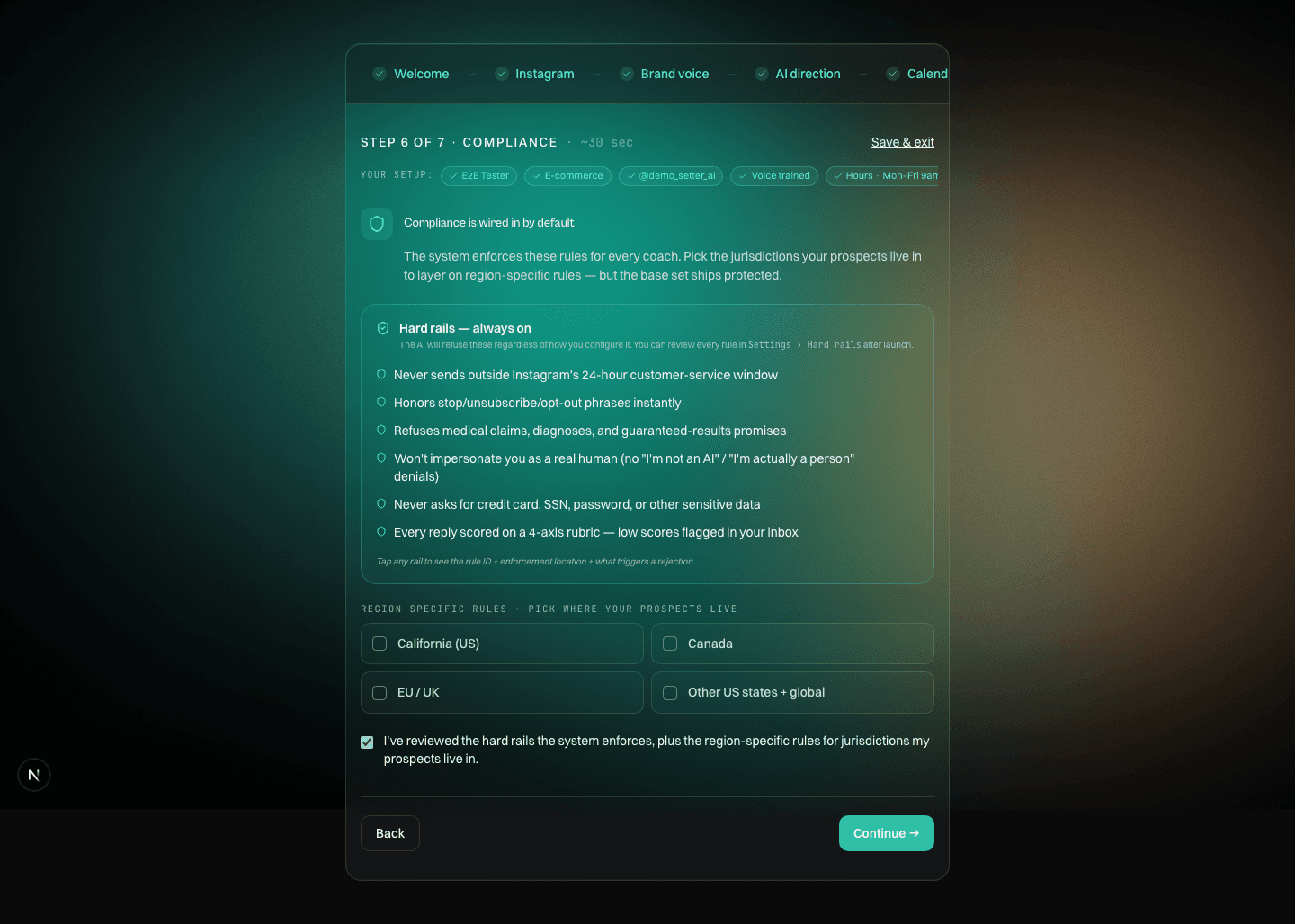
The rules Instagram (owned by Meta) enforces on automated messaging. No cold outreach, no bulk sends, respect opt-outs, and stay inside the 24-hour messaging window. DOMs_DMs enforces all of this automatically.

4-Q audit

A 4-question diagnostic some coaches run before offering a solution: offer / lead source / call rate / bottleneck. Used to qualify and frame the call.

· You’ve got this

One focused afternoon.
A voice that’s yours forever.

Don’t overthink this. Open DOM AI. Open DOMs_DMs. Start with Offer & ICP. Each answer makes the next one easier.

NEXT STEP · OPEN CLAUDE · START WITH OFFER & ICP